Redesigns: before and after

Not every project starts from nothing. Some are a site that has quietly stopped working — dead links, a phone layout that never happened, information no one can find. Pick one to see what changed.

← All redesigns
Redesign 04 · 2026

Crosswind Custom Homes

A family-owned custom home builder in Clayton, North Carolina, run by brothers Derek and Terry Evans. Their site was a 2018 template from a designer who has since closed up shop. The homes they build were the whole point, and they sat three clicks deep, in thumbnails the size of a postage stamp.

  • BuiltOctober 2026
  • ScopeFull site, launched on their own domain
  • KeptTheir logo, their blue, every home

The new hero, running

The first screen as it plays in the browser: their logo rising over one of their finished homes.

See it live ↗
  • Their logo, centredThe compass-and-roofline mark, traced from their own file, leads the page over one of their homes.
  • Their own blueThe blue from the old site carries through as a deeper navy, on a warm bone page.
  • Homes firstThe first button is See our homes; the second starts a conversation with Derek.
  • Paints instantlyThe photo and logo come with the page itself, so the first screen is never blank while it loads.
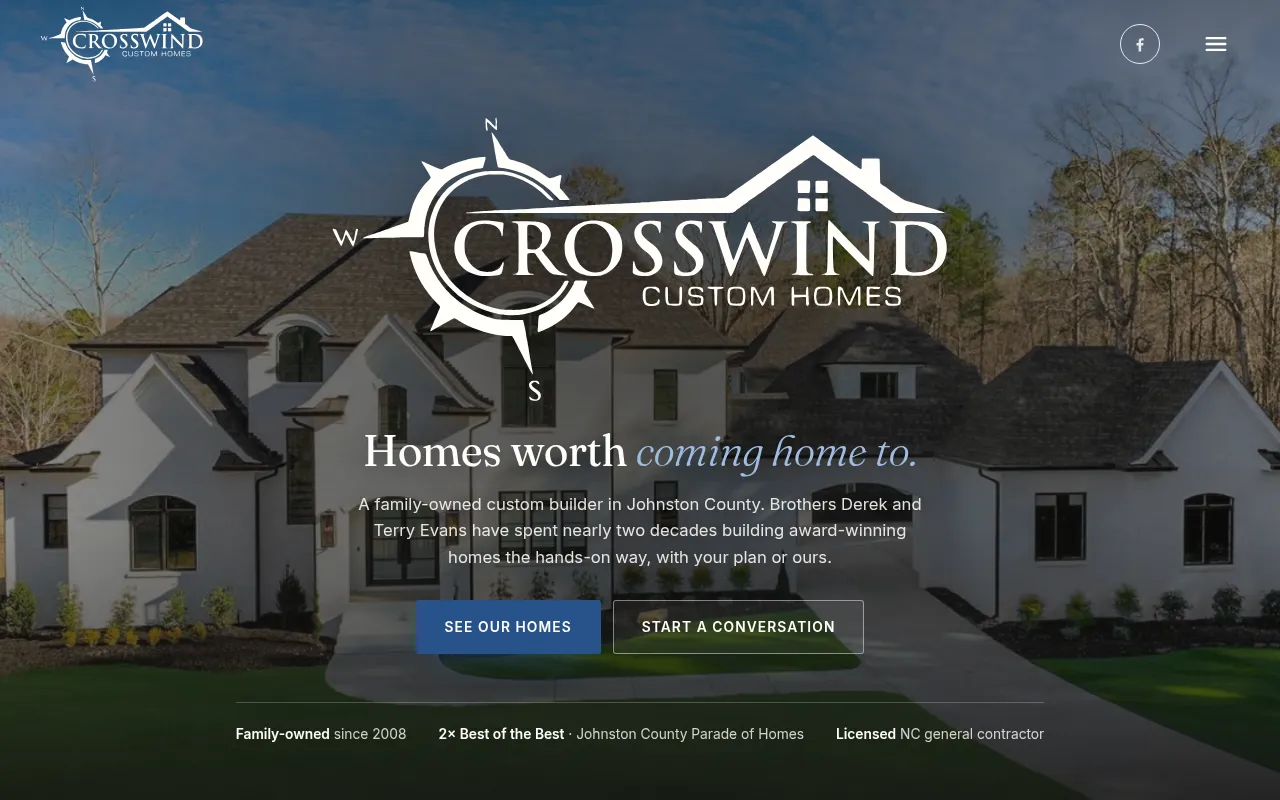
The new Crosswind home page: their logo centred over a large white finished home, with Homes worth coming home to, two buttons and a line of credentials beneath.
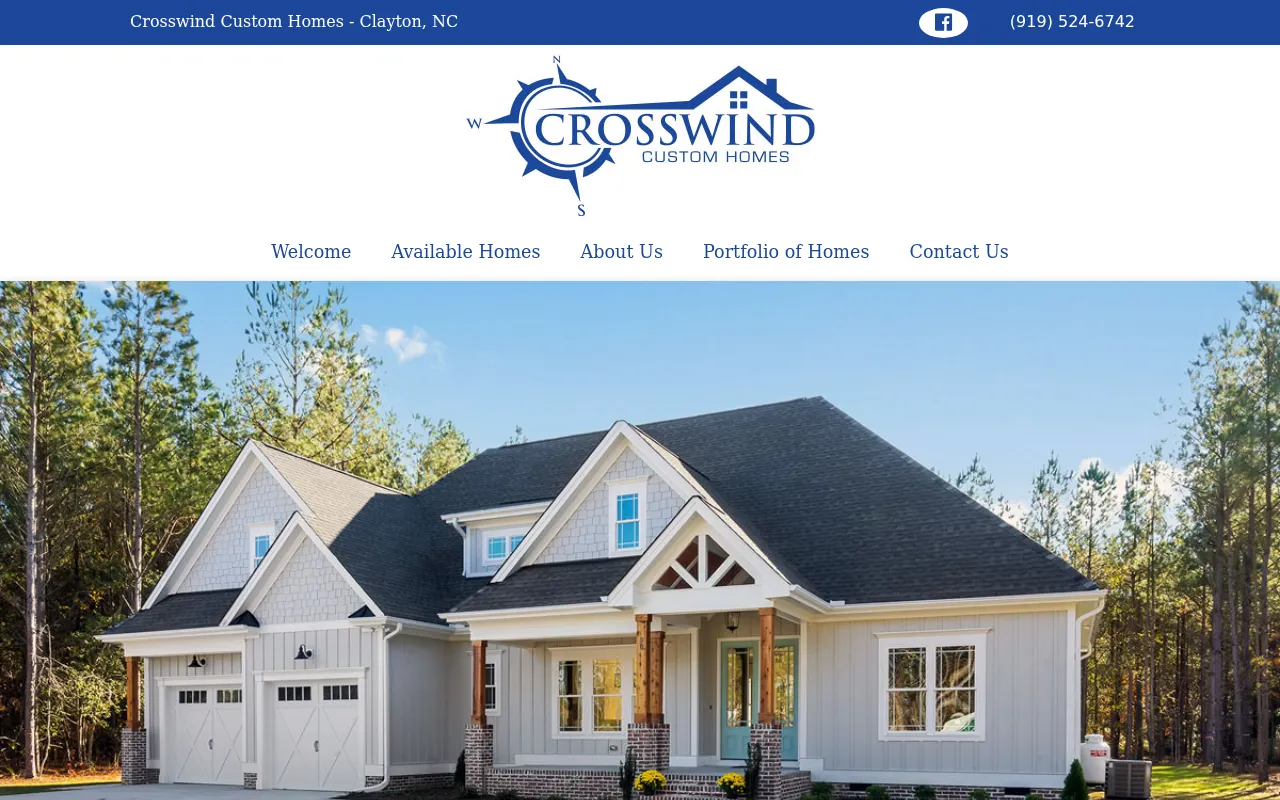
The old home page: a blue top bar, the blue logo on white over a row of menu links, and a photo of a grey craftsman house below.
Before After
crosswindcustomhomesnc.com. Drag the handle — or use the arrow keys.

What was in the way

01

On a phone, there was no house

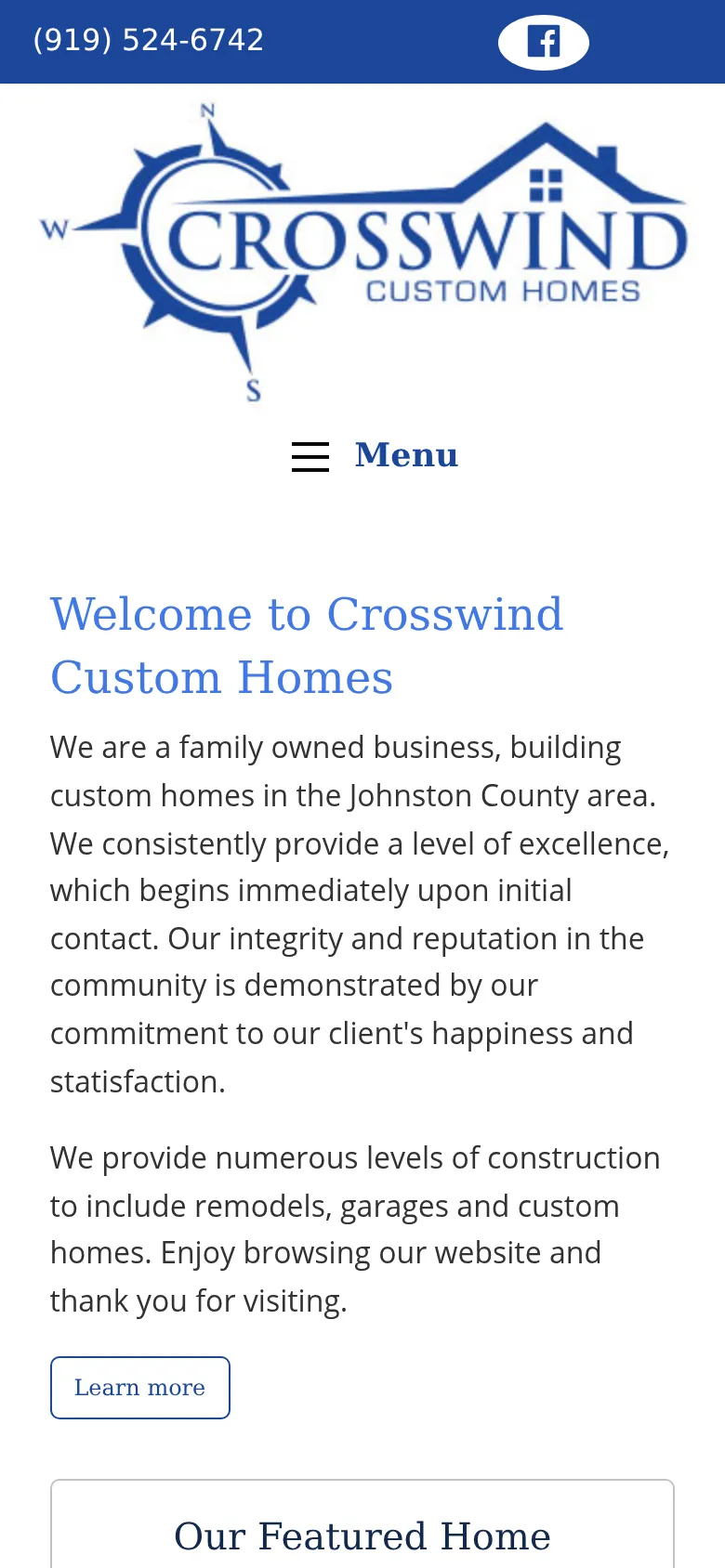
The old first screen on a phone was the logo, a Menu button and a paragraph of text. For a builder, not one home was in sight until you scrolled.

Now: the logo sits over one of their homes on every screen size, with See our homes and Start a conversation right beneath it.
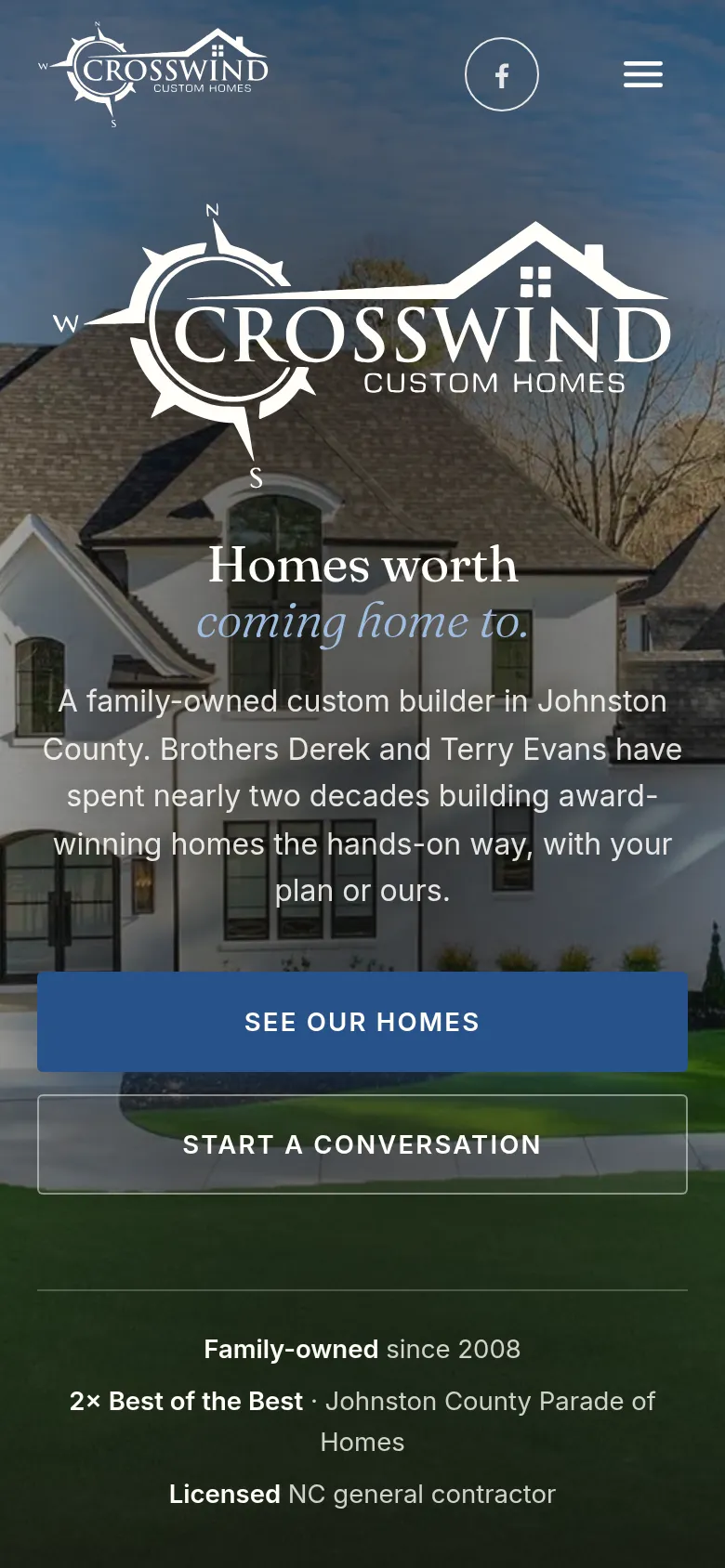
The new site on a phone: the Crosswind logo over a finished home, with the headline and two full-width buttons.
The old site on a phone: the blue logo, a Menu button and a Welcome to Crosswind Custom Homes paragraph, with no photo.
Before After
02

The homes were three clicks deep

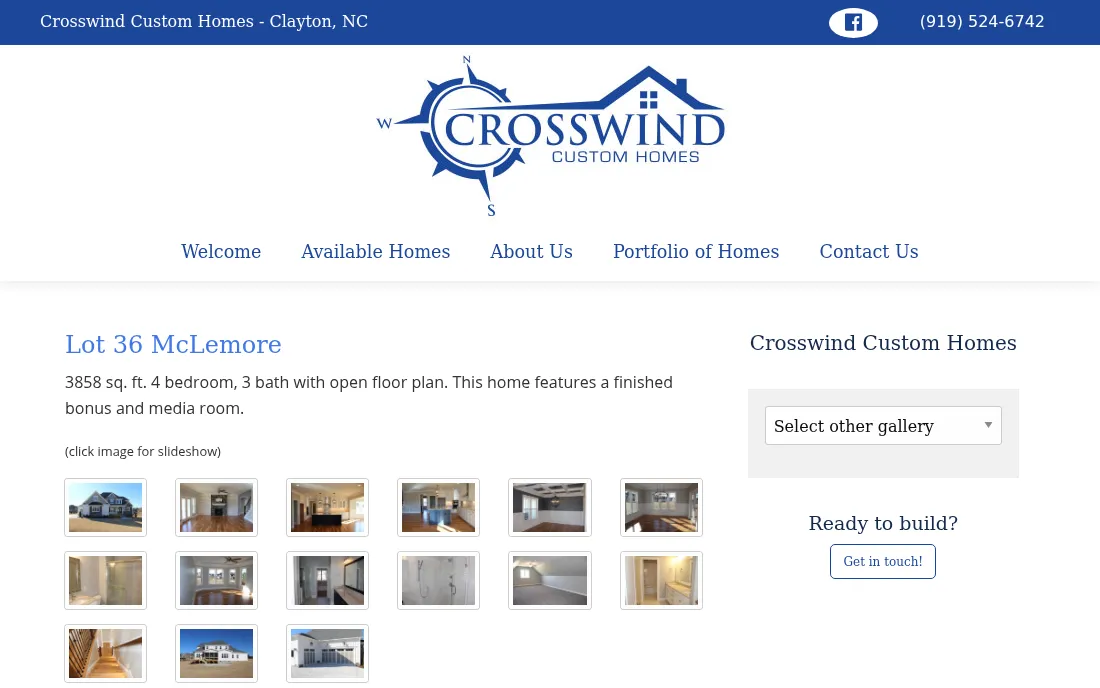
To see a home you went to Portfolio of Homes, picked a gallery, then faced a grid of tiny thumbnails marked “click image for slideshow”. Moving to another home meant a Select other gallery dropdown.

Now: every home has its own page, with its size, bedrooms, baths and style in one row and its photos large, opening in a full-screen viewer. The portfolio filters by community, by style and by Crosswind’s own plans.
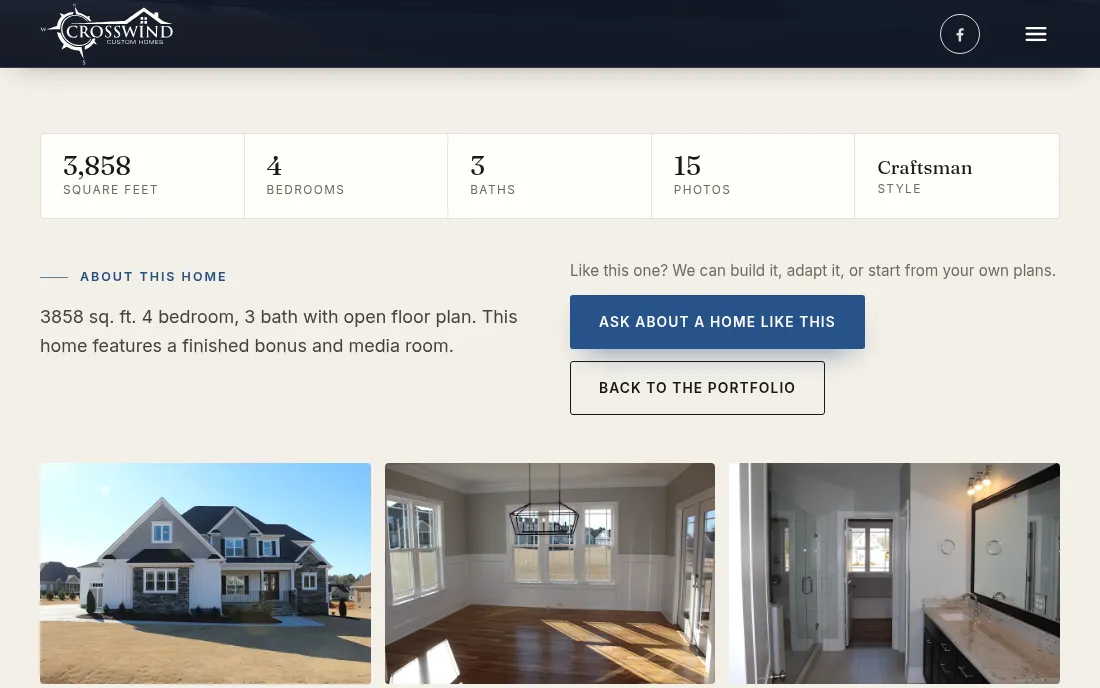
The new page for Lot 36 McLemore: 3,858 square feet, 4 bedrooms, 3 baths, 15 photos and Craftsman in one row, an Ask about a home like this button, and large photos below.
The old page for Lot 36 McLemore: two lines of text over three rows of small thumbnails, with a Select other gallery dropdown beside them.
Before After
03

A home for sale, with no price

The old Available Homes page showed one photo with “Contact Us for Availability”. No price, and the details were a line of text below it.

Now: each home for sale gets a card with its community, price, square feet, bedrooms and baths, a badge when it is still under construction, and a button to the listing agent’s page.
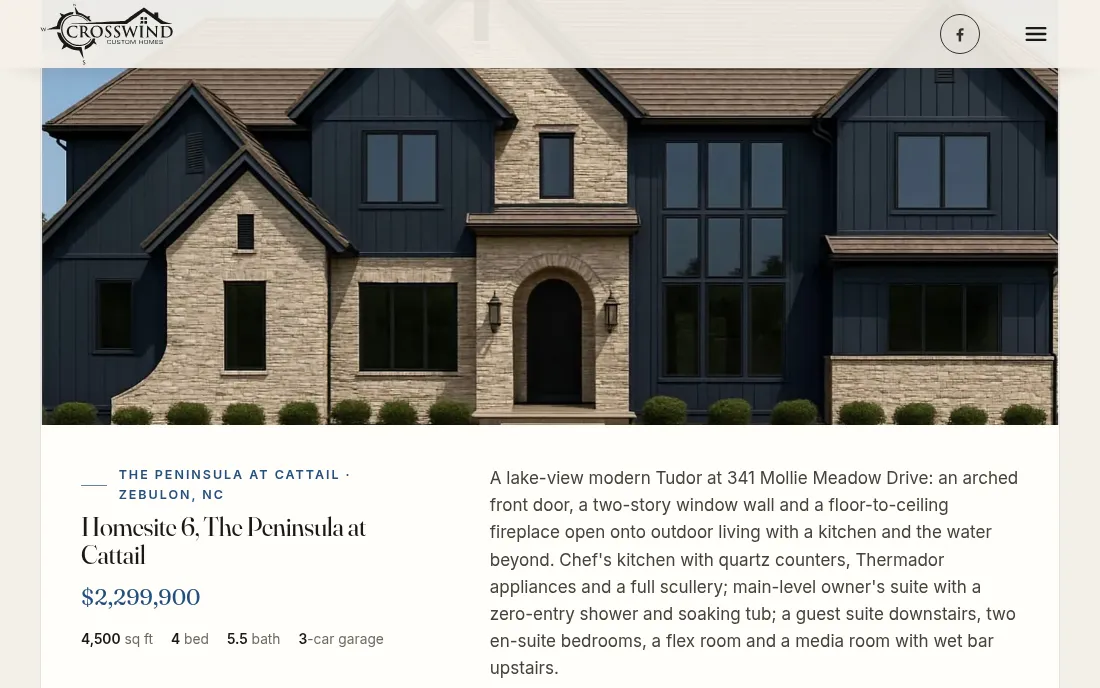
The new Available Homes page: a card for Homesite 6 at The Peninsula at Cattail in Zebulon, $2,299,900, 4,500 square feet, 4 bedrooms, 5.5 baths, beside its description.
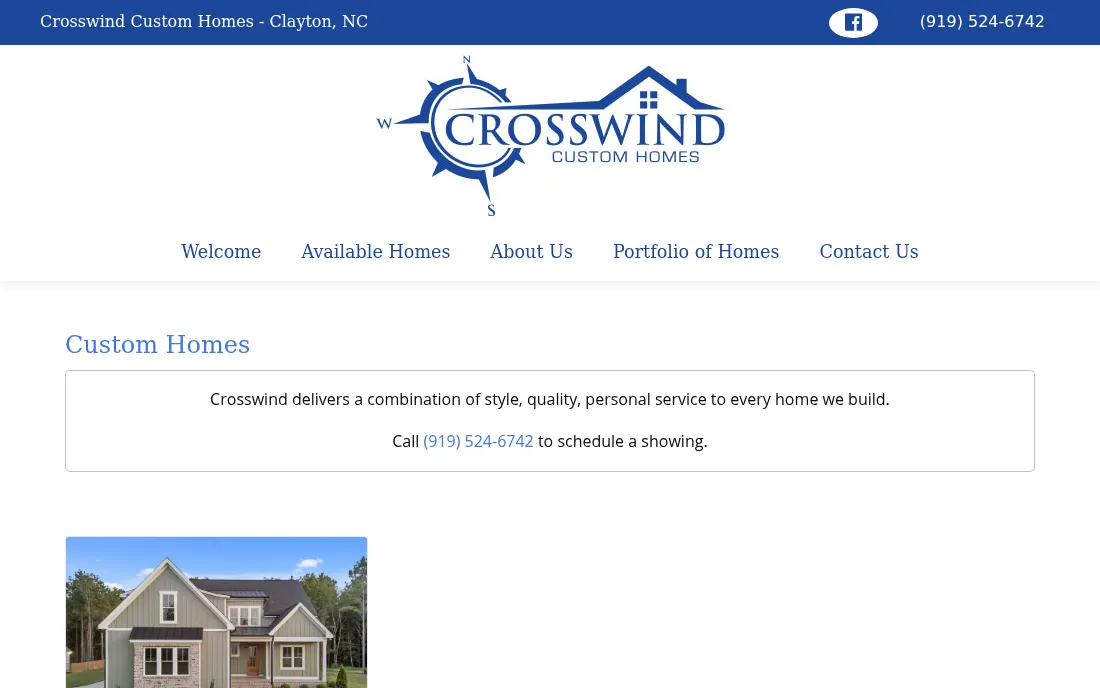
The old Available Homes page: a short boxed line asking you to call to schedule a showing, over a single small photo of a house.
Before After
← All redesigns
Redesign 03 · 2026

StratPsych

Strategic Psychotherapeutics, the Connecticut company behind StratPsych®, an online learning platform for psychotherapists. Their site was a website-builder template: a half-greyscale office photo, a store page selling a single product, and a first screen whose only button was for people who had already paid.

  • BuiltSeptember 2026
  • ScopeFull site and a new checkout
  • KeptEvery word, every bio

The new hero, running

The first screen as it plays in the browser. On their site this is a 3D brain drawn live, not a video file.

See it live ↗
  • A real brainBuilt from the NIH’s Detailed Human Brain Model and drawn live in the browser, turning at one steady speed.
  • Neurons firingSignals run along the folds and light each node they reach, so the scene is never the same twice.
  • Wired to the logoA signal leaves the brain, runs the StratPsych bracket and lands back in it, on the logo’s own pulse.
  • Tap itA tap sets off a cascade from that spot. Phones get a lighter model; reduced motion gets a still.
3D brain model: “Detailed Human Brain Model” by J. Johnson, NIH 3D (3DPX-021161), CC BY 4.0.
The new StratPsych home page: the StratPsych logo centred over a glowing, translucent 3D brain, with Subscribe for $199 a year and Log in to StratPsych beneath.
The old home page: a white header with a long menu over an office photo, half in greyscale, with MAKING PSYCHOTHERAPISTS BETTER and a single LOG IN STRATPSYCH button.
Before After
strategicpsychotherapeutics.com. Drag the handle — or use the arrow keys.

What was in the way

01

The first screen only spoke to members

The one button on the old first screen was LOG IN STRATPSYCH. For someone arriving to find out what StratPsych is, there was no price and no way to subscribe until well down the page.

Now: Subscribe — $199/yr and Log in to StratPsych sit side by side on the first screen, on a phone as on a desktop.

The new site on a phone: the StratPsych logo over the 3D brain, with Subscribe for $199 a year and Log in buttons.
The old site on a phone: the headline over the office photo and a single LOG IN STRATPSYCH button.
Before After
02

Subscribing meant shopping a store

The SUBSCRIPTION link opened an “All Products” store page with a category list and one small product tile, and the purchase went through a cart.

Now: one page says what a year of StratPsych is and what it costs. Every Subscribe button goes straight to a yearly checkout, and subscribers can manage or cancel from the footer.

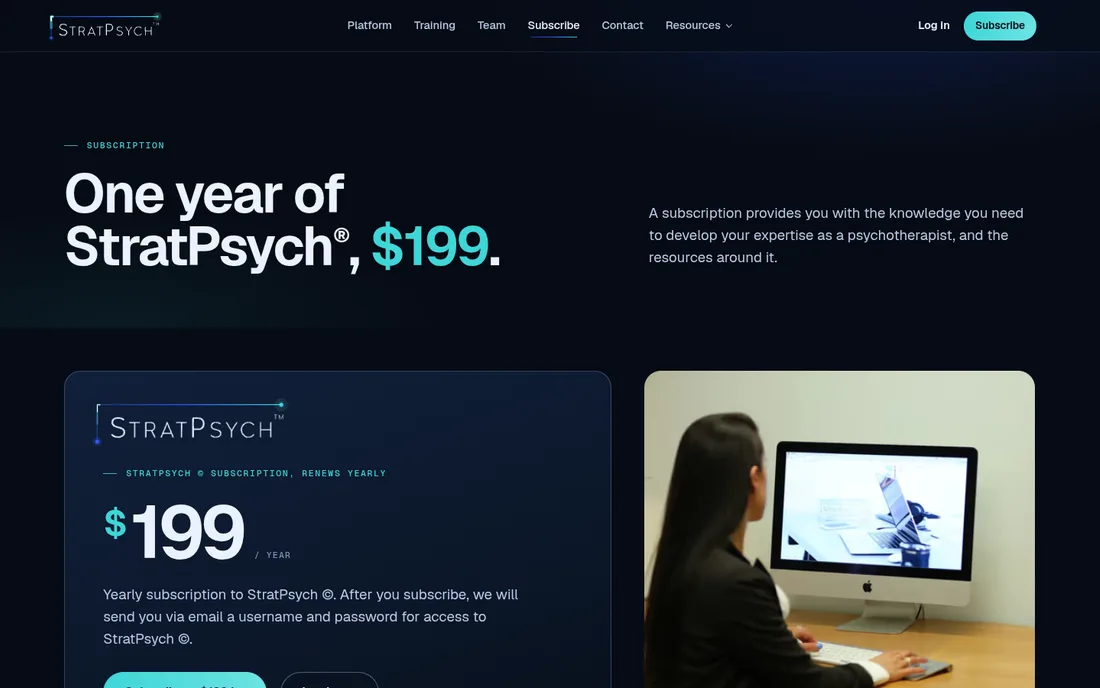
The new subscription page: One year of StratPsych, $199, with a price card that says it renews yearly.
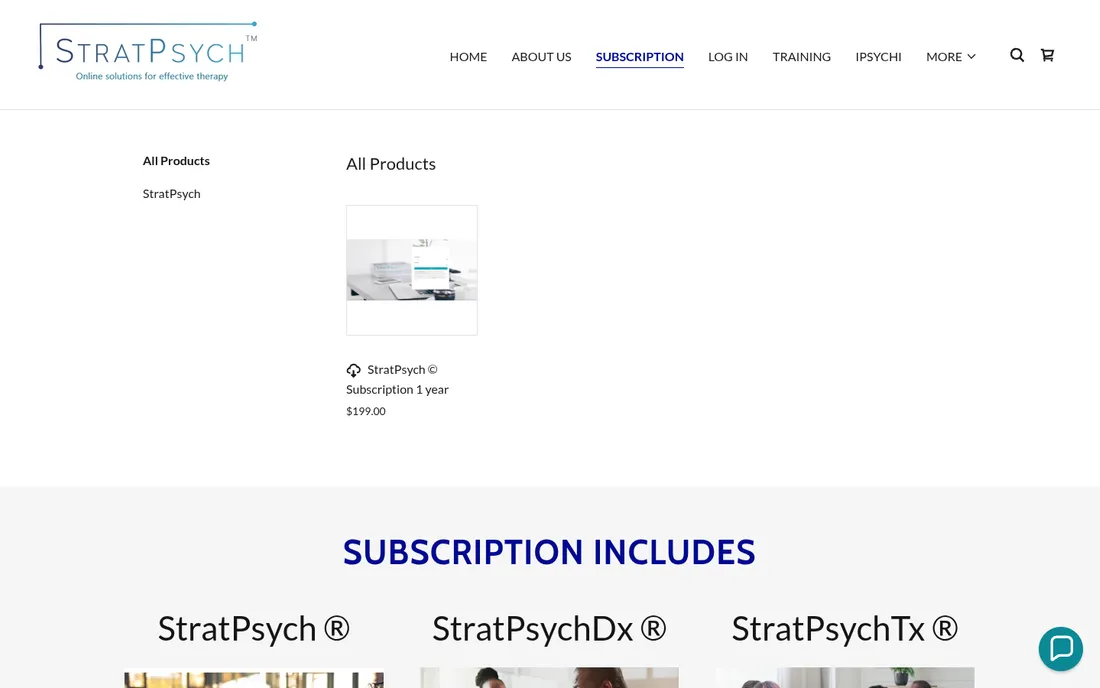
The old subscription page: an All Products store listing with a single small tile for the StratPsych subscription.
Before After
← All redesigns
Redesign 02 · 2026

Barber Collision

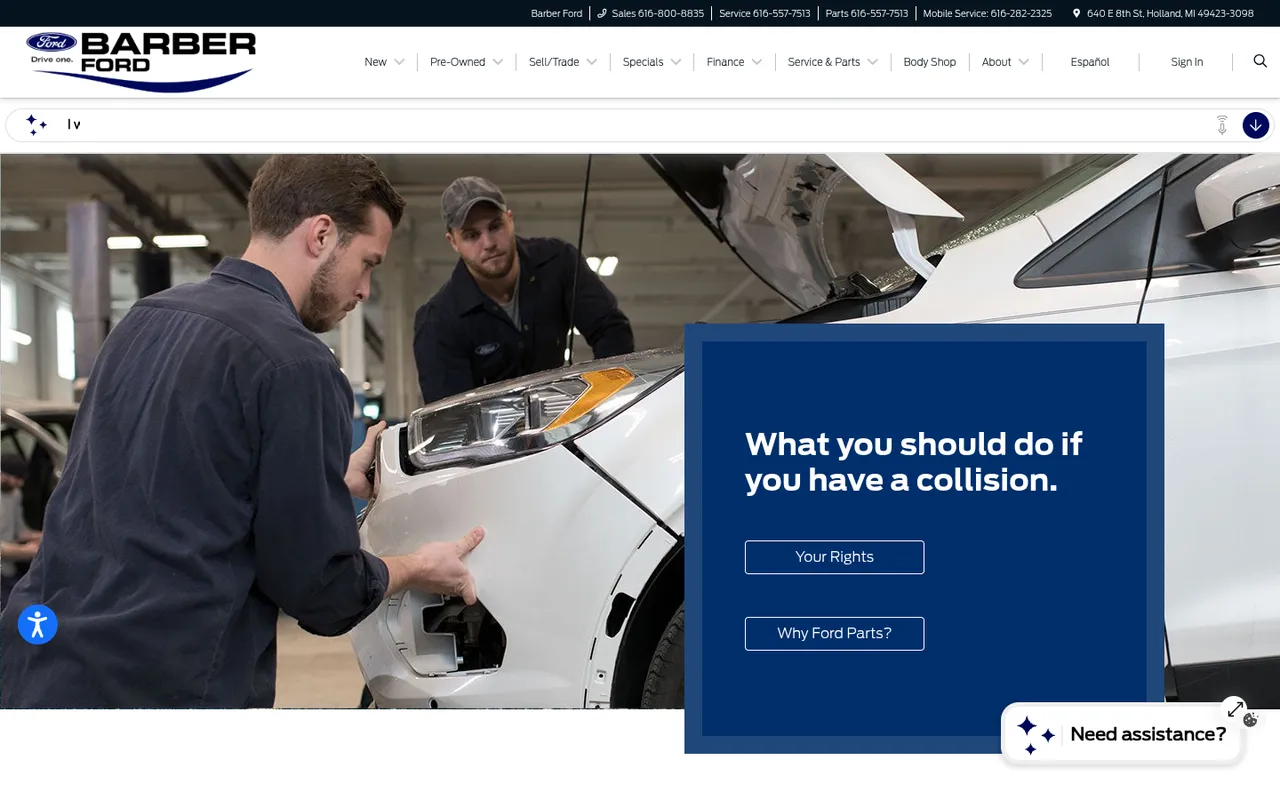
A collision repair shop in Holland, Michigan. Until this site, barbercollision.com had no site of its own — it forwarded to a collision-advice page on the Ford dealership’s website, under a car-sales menu of New, Pre-Owned, Specials and Finance. A driver who had just been in an accident met a dealer, not a body shop.

  • BuiltSeptember 2026
  • ScopeIts own site, on its own domain
  • KeptTheir slogan and intro

The new hero, running

The first screen as it plays in the browser: their logo over a looping film of the paint booth.

See it live ↗
  • Their logo, centredThe shop’s own mark leads the page, dead centre, with the slogan beneath it.
  • A booth that never stopsA seamless looping film of a black Ford Raptor under paint-booth lights, so the page is never still.
  • Its own phone versionPhones get a portrait cut of the scene rather than a crop of the wide one, so the truck stays the picture.
  • Estimate firstThe first button asks for photos of the damage, not a phone call; the shop’s own number sits beside it.
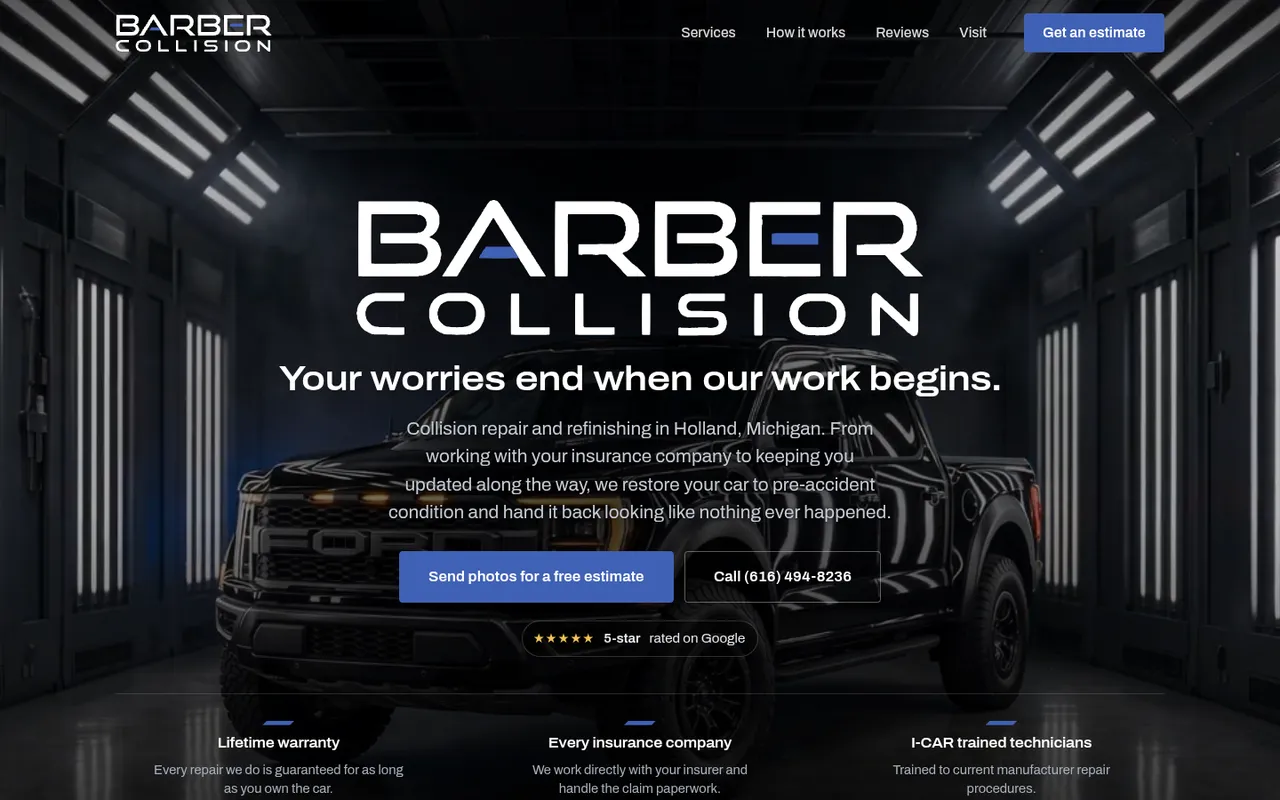
The new Barber Collision home page: their logo centred over a black Ford Raptor in a lit paint booth, with Send photos for a free estimate and the shop's phone number beneath.
Where barbercollision.com used to go: a Barber Ford dealership page with a car-sales menu and a panel reading What you should do if you have a collision.
Before After
barbercollision.com. Drag the handle — or use the arrow keys.

What was in the way

01

An estimate form with no room for the damage

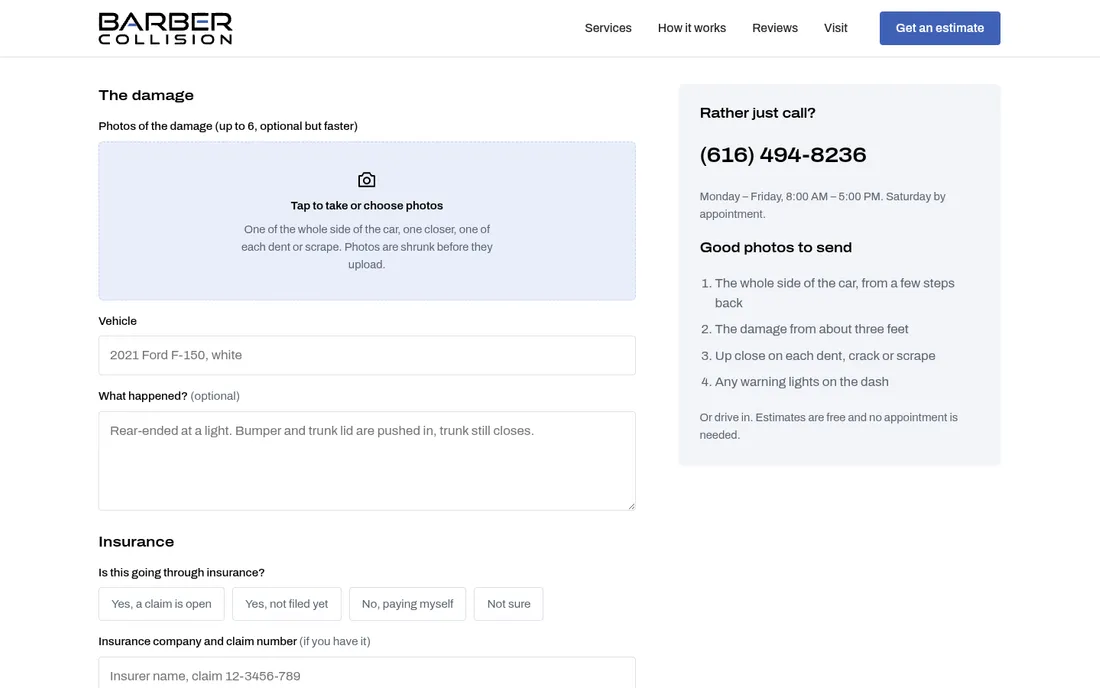
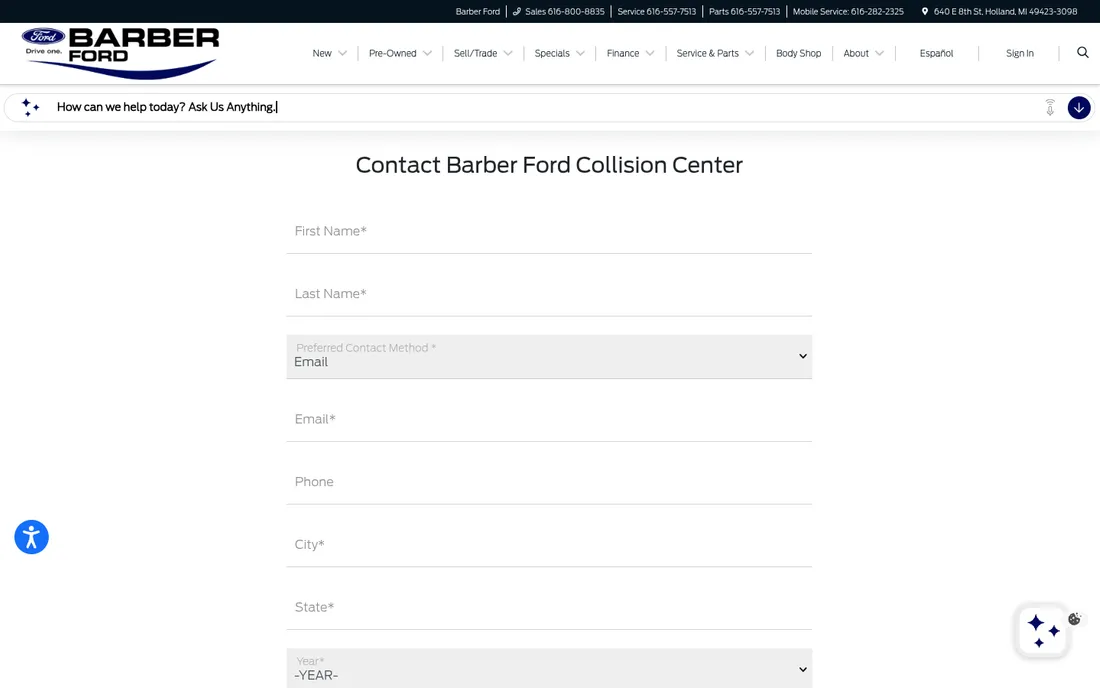
The old contact form asked for a name, contact method, email, phone, city, state, year, make, model and VIN, with a comments box at the end — but nowhere to attach a photo, and a photo of the damage is what an estimate starts from.

Now: the estimate form opens with the photos — up to six, taken straight from the phone — with a short guide to which shots help most. They reach the office inbox as attachments.

The new estimate page: a photo picker for up to six photos of the damage, and the shop's number beside it.
The old Contact Barber Ford Collision Center form: name, contact method, email, phone, city and state fields.
Before After
02

On a phone, no way in and no number

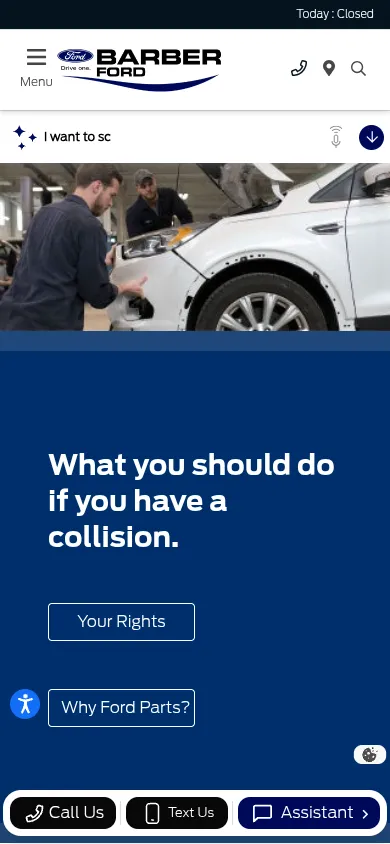
The first screen on a phone was a headline and two buttons, Your Rights and Why Ford Parts? The numbers the page did list were the dealership’s Sales, Service, Parts and Mobile Service lines; the body shop’s own number was not on it anywhere.

Now: Send photos for a free estimate and Call (616) 494-8236, the shop’s own line, are the first two buttons on the first screen.

The new Barber Collision site on a phone: the logo, the slogan, an estimate button and a call button on the first screen.
The old page on a phone: a photo, a headline, and Your Rights and Why Ford Parts? buttons.
Before After
← All redesigns
Redesign 01 · 2026

SEPI

The Society for the Exploration of Psychotherapy Integration — an international academic society founded in 1983, with members in more than 30 countries. Their site had not been rethought in years, and it was costing them at the exact moments that mattered: a conference to fill, a journal to sell, and members to sign up.

  • BuiltSeptember 2026
  • ScopeFull public site, 11 pages
  • KeptEvery word, every photo

The new hero, running

The first screen as it plays in the browser, over the venue of their next conference.

  • The conference venueSalve Regina University in Newport, home of the 2027 conference, across the top of the page.
  • Dots from their logoThe 36 dots of the SEPI mark, placed from the logo itself, drift in from across the coast and settle into its ring.
  • The name, spelled outSEPI in large type with the full name beneath, each initial picked out in gold.
  • The next meeting firstDates and venue of the next conference sit on the first screen, before anyone scrolls.
The redesigned SEPI home page: an aerial photo of Salve Regina University with SEPI set across it in large type.
The old SEPI home page: a small logo, a wall of centred text and three grey boxes.
Before After
The home page. Drag the handle — or use the arrow keys.

Four things that were costing them

01

The EVENTS menu led to a dead end

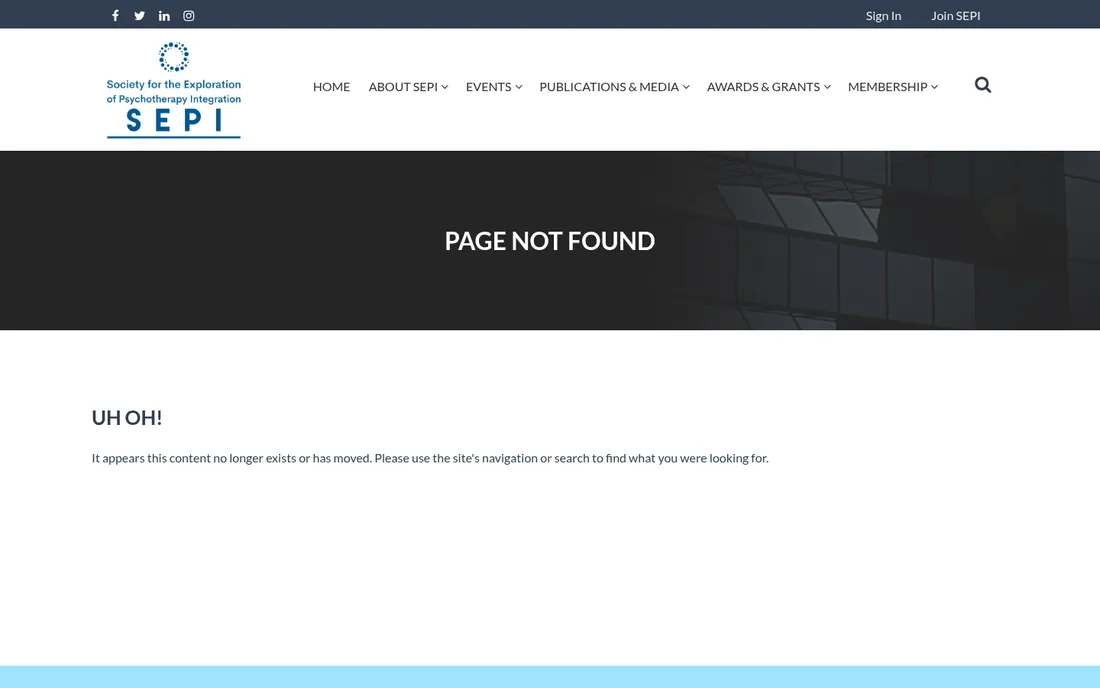
Their top-level EVENTS link redirected to “UH OH! It appears this content no longer exists.” For a society whose whole year builds to one international conference, that is the worst possible link to lose. Three more were dead alongside it.

Now: the conference has its own page — dates, venue, call for papers and registration, with the next meeting stated on the home page before you scroll.

The new conference page, with dates, venue and registration.
The old site's error page reading PAGE NOT FOUND and UH OH!
Before After
02

Seven committees, one long scroll

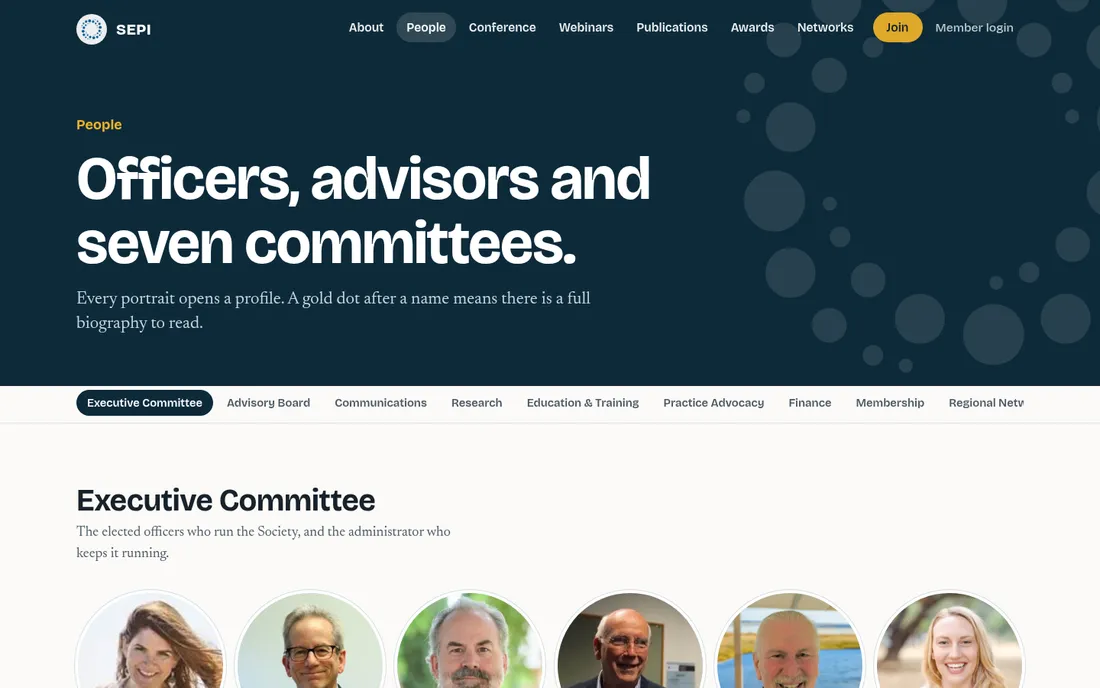
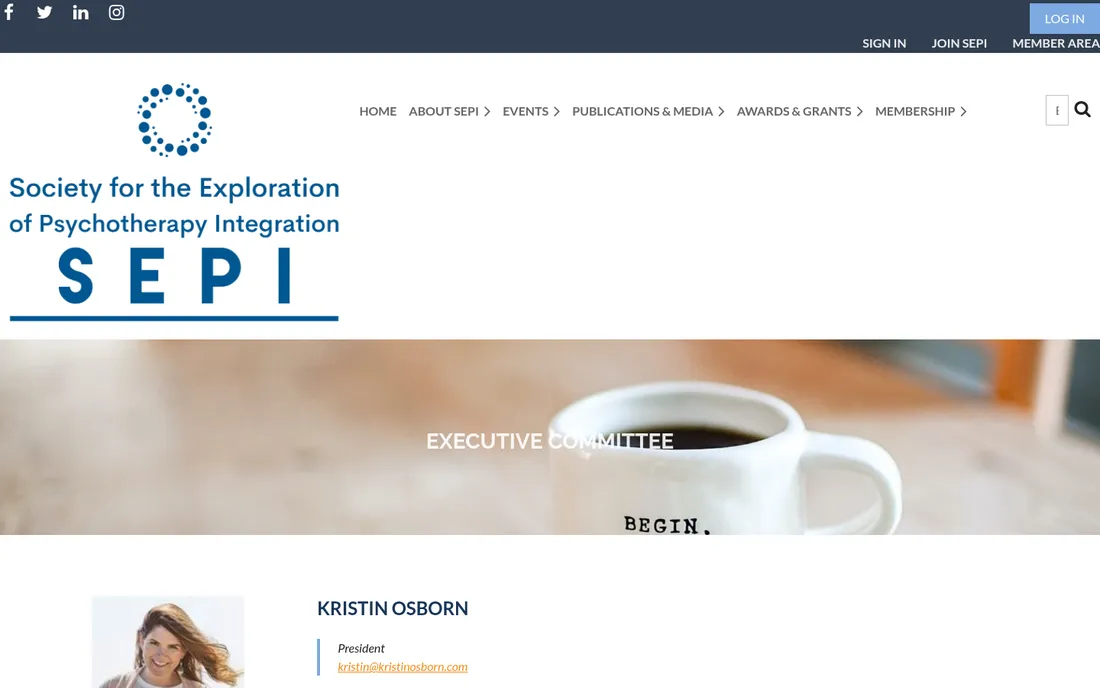
Officers, advisors and seven committees were spread across nine near-identical pages, each one a stack of stock-photo banners and left-aligned portraits. Finding who chairs Research meant knowing the page existed first.

Now: one People page with every group a tab away, portraits on a single grid, and a profile that opens in place. The same names, the same words — reachable in one click instead of five.

The new People page: committee tabs above a grid of round portraits.
The old Executive Committee page: a coffee-cup stock banner above one portrait per row.
Before After
03

On a phone, it was the desktop site shrunk

The old site put its logo block above everything, so the first screen on a phone was a logo and white space — no headline, no conference, nothing to do. Most people arrive this way.

Now: the phone gets its own layout. The society's name, what it is and the next conference all land on the first screen, and the menu is one thumb-reach away.

The redesigned SEPI site on a phone.
The old SEPI site on a phone, showing only a logo and empty space.
Before After
04

Their best material was buried

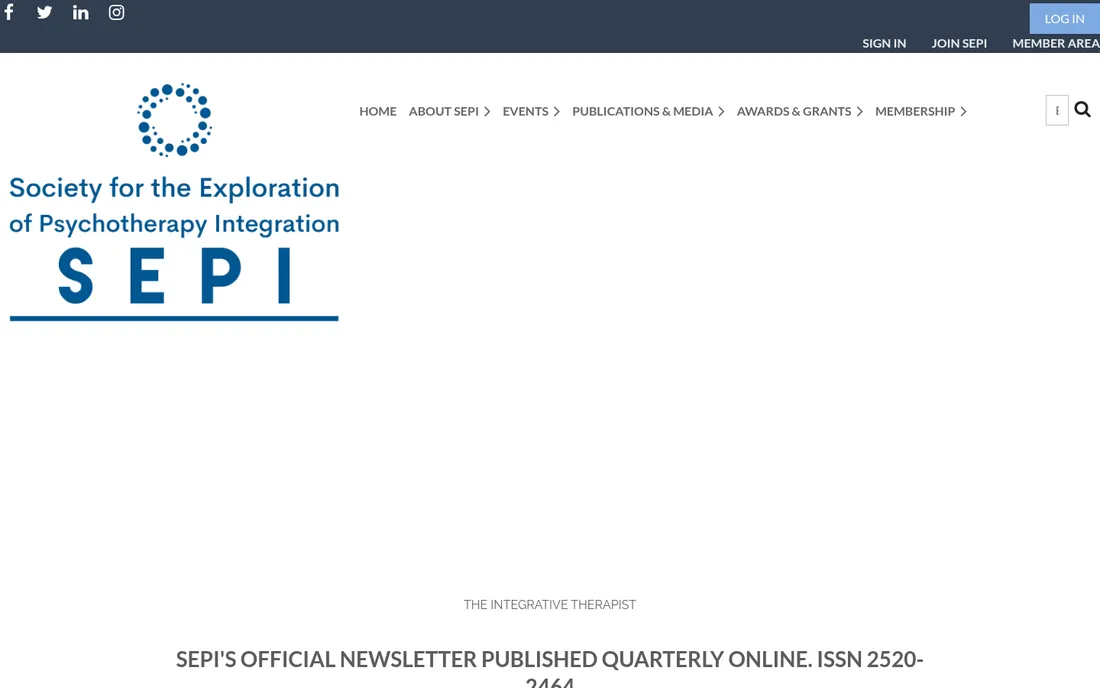
Forty-three newsletter issues, twenty-one teaching syllabi, the journal, the awards and the regional networks were all real assets — listed as plain blue links down a page, indistinguishable from each other.

Now: publications, awards and networks each get a page that looks like something worth reading, with the archive intact and every original PDF still one click away.

The new publications page.
The old newsletter page: a list of plain blue links.
Before After

Next redesign

This is a running series. If your site is the one that needs it, the before half is already written — I just need the link.

Start your project